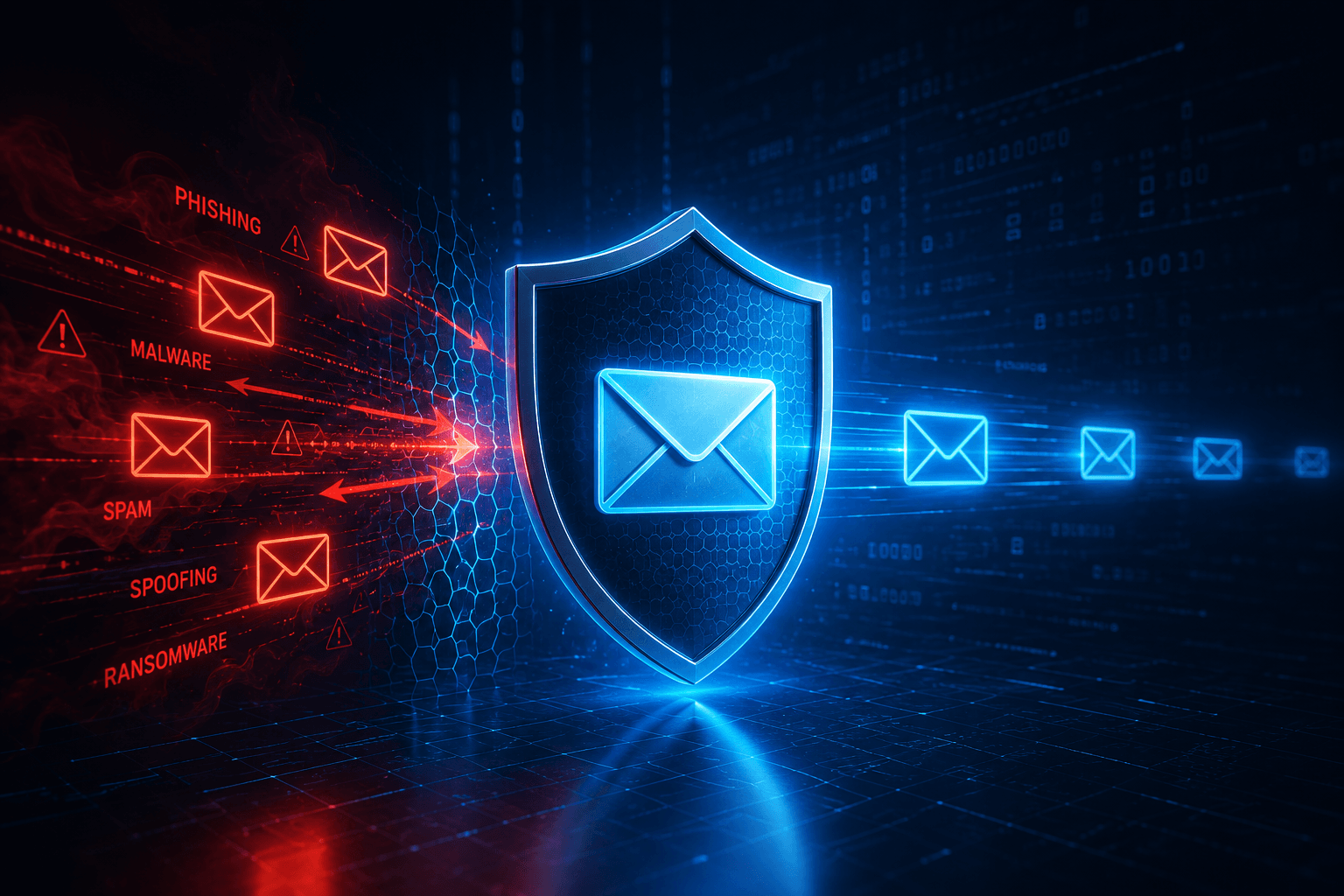
Email Security

πŸ›‘οΈ Powered by Proofpoint

Email Security
Built for Business.

Most cyberattacks start with an email. Proofpoint gives your business powerful protection against scams, fake emails, and malicious links β€” managed by us, so you never have to worry about it.

🚫 Scam Protection
🦠 Virus Blocking
πŸ”’ Encryption
πŸ”— Link Scanning
πŸ“‹ Archiving
πŸ”„ Backup & Recovery
Why Email Security Matters

Your Inbox Is the #1
Target for Scammers

Over 90% of cyberattacks start with a single email. The basic protection that comes with your email account isn't enough β€” Proofpoint adds multiple layers that stop threats before they ever reach your team.

  • 🚫
    Fake Email ProtectionStops scammers who pretend to be your boss, your bank, or a trusted vendor to trick you into sending money or sharing passwords.
  • πŸ”
    Link & Attachment ScanningEvery link and file attachment is checked for danger before it reaches your inbox β€” even if it looks completely normal.
  • πŸ”’
    Automatic Email EncryptionEmails containing sensitive information are automatically scrambled so only the intended recipient can read them.
  • πŸ”„
    Email Backup & RecoveryIf your email ever goes down, a backup inbox keeps your team communicating β€” and restores up to 30 days of messages.
  • πŸ“‹
    Sensitive Information FilteringPrevents private customer information, financial records, and confidential files from accidentally being sent outside your company.

βœ… All of the above protections are included across both Essentials and 365 Total Protection packages below.

Contact Us
Small business owner protected from email scams and cyberattacks with Proofpoint
Available Now

Proofpoint Essentials

Enterprise-grade email protection built for small and medium-sized businesses. Two simple plans β€” pick the one that fits your needs.

Advanced

Everything in Business, plus smarter threat detection, automatic email encryption, and visible warnings on suspicious emails.

  • βœ“
    Everything in Business
  • βœ“
    Real-time scanning of every link you click
  • βœ“
    Automatic encryption on sensitive emails
  • βœ“
    Warning labels on suspicious emails so your team knows
  • βœ“
    Better detection of fake "CEO" or vendor emails
  • βœ“
    Protects up to 3 of your business social media accounts
  • βœ“
    Stronger filtering on outgoing emails
πŸ’‘ Good to know: Proofpoint Essentials is being upgraded to the new Proofpoint 365 Total Protection platform over the next couple of years. If you're on Essentials, we'll handle that transition for you when the time comes β€” nothing changes on your end, and we'll keep you in the loop every step of the way.
Coming Soon

Proofpoint 365 Total Protection

The next generation of Proofpoint β€” a complete all-in-one protection platform built specifically for Microsoft 365. Coming soon to Twilight I.T. clients.

Plan 1

Core Email Protection

A strong foundation of email security β€” blocks spam, viruses, scams, and dangerous links before they reach your team.

  • βœ“
    Blocks spam, viruses & phishing scams
  • βœ“
    Scans all incoming & outgoing emails
  • βœ“
    Automatic email encryption
  • βœ“
    Backup inbox if your email goes down
  • βœ“
    Protects against email sender fraud
  • βœ“
    Easy-to-use admin dashboard
Plan 2

Advanced Protection + Email Archiving

Everything in Plan 1, plus smarter AI-powered threat detection and secure email archiving β€” great for businesses that need to keep records.

  • βœ“
    Everything in Plan 1
  • βœ“
    AI-powered detection of advanced scams
  • βœ“
    Real-time scanning of every link clicked
  • βœ“
    Catches QR code scams in emails
  • βœ“
    Better detection of fake "boss" emails
  • βœ“
    Secure, searchable email archive
  • βœ“
    Remove dangerous emails from all inboxes at once
Plan 3

Full Protection + Microsoft 365 Backup

Everything in Plan 2, plus automatic backups of your entire Microsoft 365 account β€” emails, files, Teams chats, and more.

  • βœ“
    Everything in Plan 2
  • βœ“
    Daily backup of all M365 data
  • βœ“
    Email, Teams, OneDrive & SharePoint
  • βœ“
    Restore anything quickly
  • βœ“
    Two-person approval for deletions
  • βœ“
    Control file access & sharing
πŸ“Œ Want to be first in line? We're bringing 365 Total Protection to clients soon. Reach out and let us know you're interested and we'll make sure you're on the list.
Common Questions

Frequently Asked Questions

Doesn't my email already have spam filtering? +
Yes, but basic spam filtering only catches the obvious stuff. Today's scammers are much more sophisticated β€” they send emails that look completely legitimate. Proofpoint goes several layers deeper, catching threats that standard filters miss entirely. Think of it like the difference between a basic door lock and a full security system.
What does a "fake boss email" scam look like? +
It's more common than you'd think. A scammer sends an email that appears to come from your owner, manager, or a trusted vendor β€” asking an employee to wire money, buy gift cards, or share login credentials urgently. There's no virus or bad link involved, so basic filters let it through. Proofpoint detects these by analyzing the sender's identity, not just the content.
What's the difference between the Business and Advanced plans? +
Both plans provide strong core email protection. The Advanced plan adds a few extra layers β€” every link you click in an email is scanned in real time, outgoing emails with sensitive information are automatically encrypted, and your team sees warning labels on suspicious emails so they can make smarter decisions before clicking.
What happens if our email stops working? +
Both Essentials plans include a backup inbox that automatically kicks in if your email goes down for any reason β€” your team can keep sending and receiving without skipping a beat. It also keeps a 30-day history of emails so nothing gets permanently lost.
We're already on Essentials β€” what does the upgrade to 365 Total Protection mean for us? +
Proofpoint is upgrading the Essentials product to a new, more powerful platform called 365 Total Protection over the next couple of years. When that happens, we'll handle the upgrade for you β€” your email keeps working, nothing changes on your end, and you'll actually end up with more features than you have today. We'll keep you informed well in advance.

Stop Email Threats Before
They Reach Your Team.

Let's find the right plan for your business and get you protected.

Prefer email? Use our contact form β†’