Password Management

Powered by 1Password logo

Password Management
Done the Right Way.

Weak and reused passwords are behind most business security breaches. 1Password gives your team a secure, simple way to manage every password and login — and we handle the setup, permissions, and support so you don't have to figure it out alone.

🔐 Secure Password Vault
👥 Team Sharing
🔑 Single Sign-On
📱 Every Device
🛡️ Breach Monitoring
📋 Admin Controls
Why This Matters

Most Breaches Start With
a Bad Password.

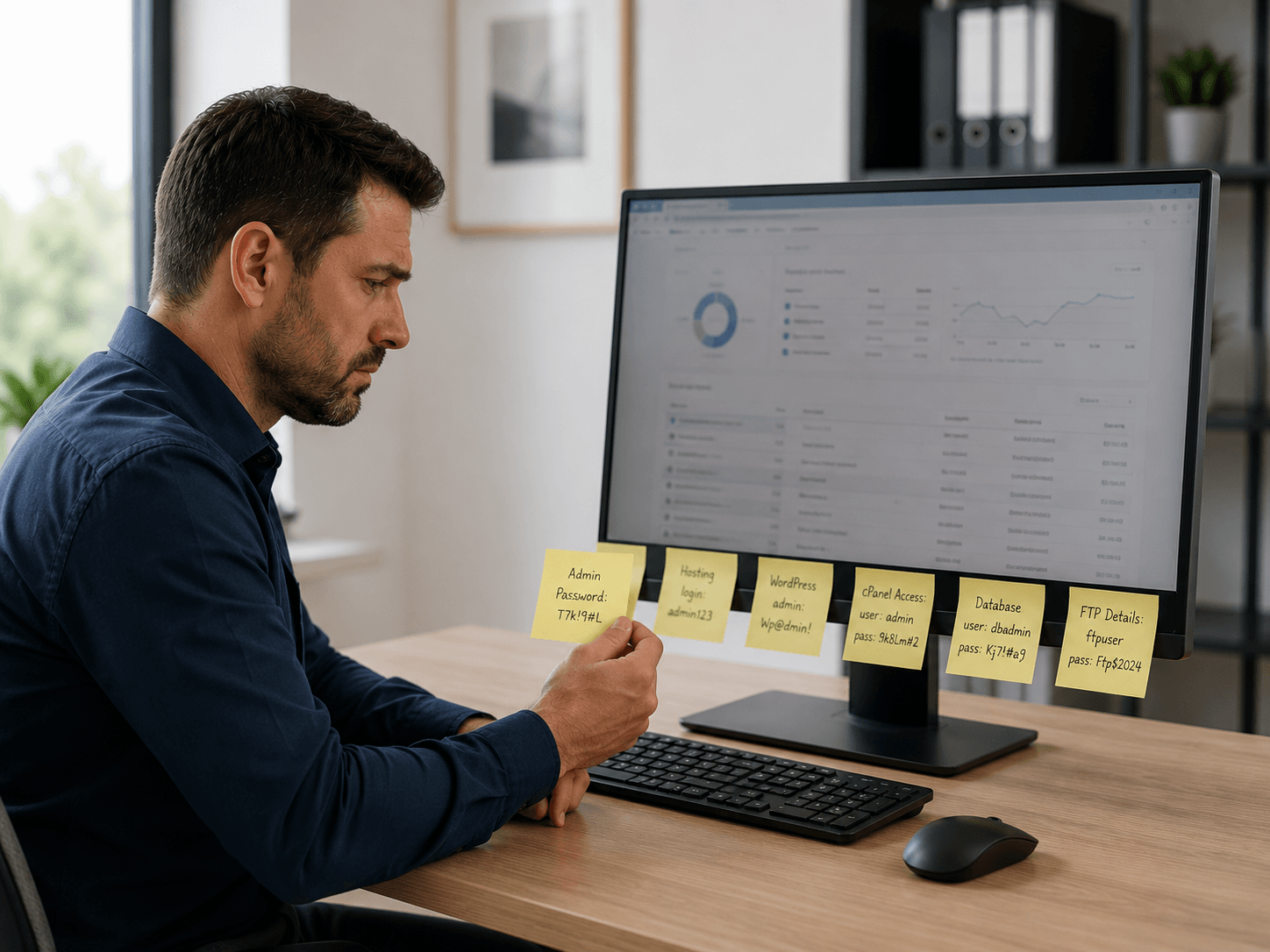
Employees reuse passwords, share logins over text or email, and use weak credentials that are easy to guess. It's not their fault — nobody has a system. 1Password gives your team that system.

  • ⚠️
    Reused Passwords Are a Huge RiskWhen one account gets breached, hackers try the same password everywhere. One weak link can compromise your entire business.
  • 📧
    Sharing Passwords Over Email or TextSending passwords in messages is a security nightmare — those messages stick around forever and can be intercepted.
  • 🚪
    No Way to Revoke Access When Staff LeaveWhen an employee leaves, do you actually know every login they had access to? With 1Password, removing someone takes seconds.
  • 🔍
    No Visibility Into Who Has Access to WhatWithout a system, there's no way to know who can log into what. 1Password gives admins full visibility and control.
Contact Us
Business owner concerned about password security and data breaches
What 1Password Does

One Secure Place for Every
Password Your Team Uses

1Password makes it easy to store, share, and manage passwords securely — across every device, every app, and every team member.

🔐

Secure Password Vault

Every password, login, and sensitive credential stored in one encrypted, secure vault — accessible only to the right people.

👥

Controlled Team Sharing

Share passwords with specific people or groups without ever revealing the actual password. Revoke access instantly when needed.

🤖

Auto-Fill on Any Device

1Password automatically fills in usernames and passwords on websites and apps — no more typing, no more forgotten passwords.

🛡️

Breach Monitoring

1Password watches for known data breaches and alerts you if any of your credentials have been exposed so you can act fast.

🔑

Strong Password Generator

Automatically creates strong, unique passwords for every account — no more "Password123" or reusing the same one everywhere.

📋

Admin Oversight & Reporting

See who has access to what, audit activity, and manage your team's security posture — all from a simple admin dashboard.

Our Managed Service

We Handle the Setup.
You Get the Security.

1Password is powerful — but getting it configured correctly for your team takes expertise. We do the heavy lifting so your team just logs in and gets to work.

  • ⚙️

    Initial Setup & Configuration

    We set up your 1Password account, configure your vaults, and make sure everything is organized from day one.

  • 👥

    User Onboarding & Permissions

    We add your team, assign the right access levels, and make sure everyone can get in — and only see what they're supposed to.

  • 🚪

    Offboarding When Staff Leave

    When an employee leaves, we remove their access immediately — across every vault and every shared credential. No loose ends.

  • 📞

    Ongoing Support

    Need to add a new user, restructure a vault, or troubleshoot a login issue? Just reach out — we're your 1Password support team.

Twilight I.T. managing 1Password setup and permissions for a small business team
Why 1Password

Trusted by Over 150,000 Businesses
Around the World

There are other password managers out there — but 1Password has never suffered a major security breach in nearly 20 years. That track record matters.

🏆

Zero Major Breaches in 20 Years

1Password was founded in 2005 and has never had a major security incident. That's not luck — it's architecture.

📱

Works on Every Device

Windows, Mac, iPhone, Android, and every major browser — your team can access their passwords anywhere, on anything.

🔒

End-to-End Encryption

Your passwords are encrypted on your device before they ever leave it. Even 1Password can't see what you store.

😊

Easy Enough for Everyone

No IT background required. 1Password is designed so any employee can use it confidently from day one.

🔄

More Than Just Passwords

Store secure notes, credit cards, software licenses, Wi-Fi passwords, and any other sensitive information your team needs.

🌐

Works With Your Existing Tools

1Password integrates with Microsoft 365, Google Workspace, Slack, and hundreds of other business tools your team already uses.

Common Questions

Frequently Asked Questions

Is it safe to store all our passwords in one place? +
Yes — and it's actually much safer than the alternative. Most people reuse weak passwords or store them in spreadsheets, sticky notes, or their browser. 1Password encrypts everything on your device before it ever leaves, uses a security model that even 1Password employees can't break, and has maintained a spotless security record for nearly 20 years.
What happens if an employee loses their phone or laptop? +
We can remove that device from their 1Password account immediately, revoking access from the lost device while keeping everything else working normally. The employee can log in from another device right away. Nothing is stored locally in a way that can be accessed without authentication.
Can employees share passwords without seeing each other's private vaults? +
Yes — that's one of 1Password's best features. You can create shared vaults for specific teams or purposes (like a shared social media login or a vendor account), while each person also has their own private vault that nobody else can see. You control exactly who has access to what.
What happens when an employee leaves the company? +
We remove them from your 1Password account immediately, which revokes their access to every shared vault and credential instantly. Their personal vault goes with them — but all your business passwords stay exactly where they should be, with zero risk of them walking out the door with your credentials.
Do you help us migrate from our current password system? +
Yes. Whether your team is currently using LastPass, a spreadsheet, sticky notes, or just memorizing everything — we help you move everything into 1Password cleanly and securely. We'll guide the process from start to finish so nothing gets lost in the transition.

Give Your Team the Password
System They Actually Need.

We'll get 1Password set up, your team onboarded, and your business passwords secured — all without the headache.

Prefer email? Use our contact form →