
Backup & Data Protection

Powered by Keepit logo

Your Microsoft 365 Data
Needs a Backup.

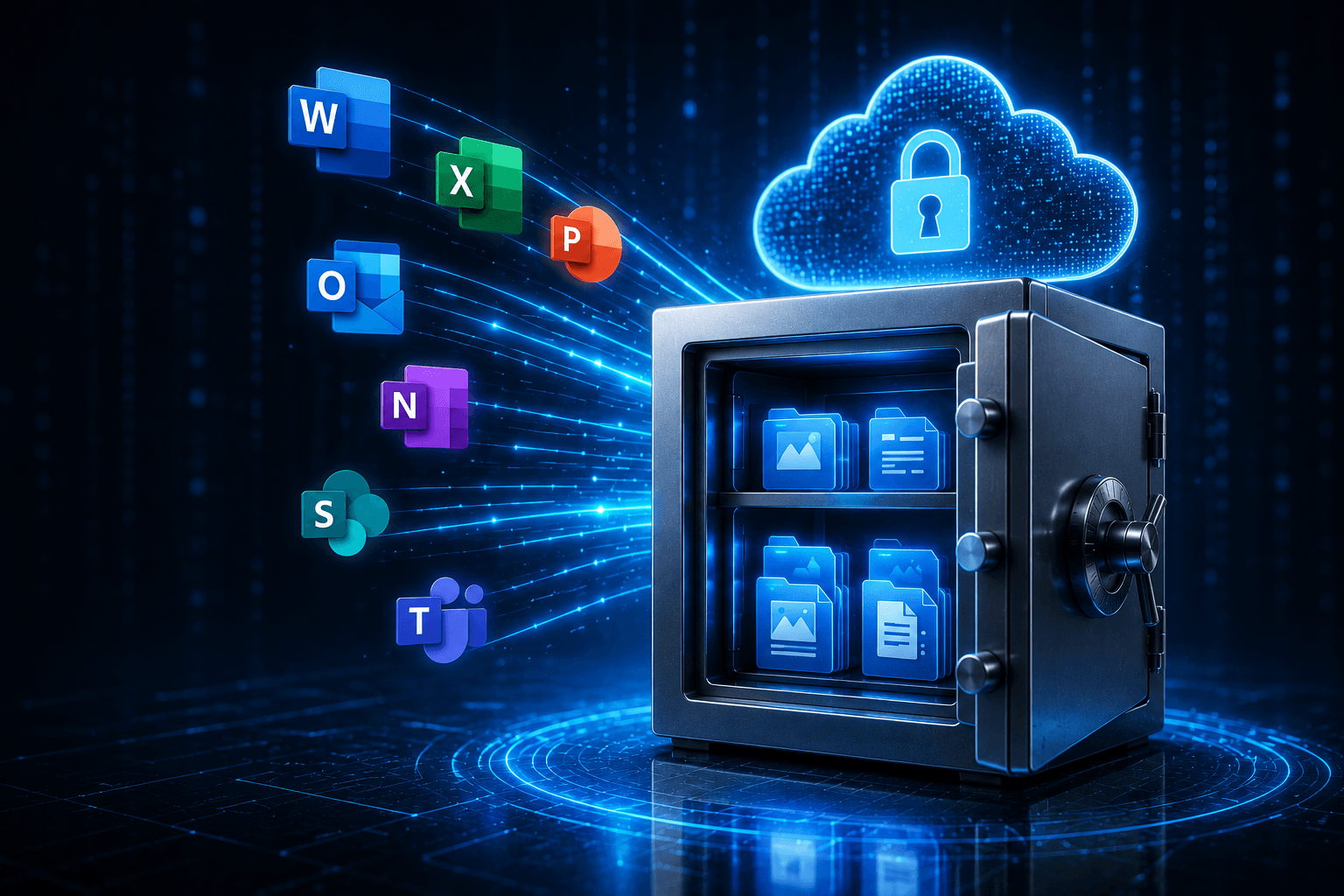
Microsoft keeps your email running — but they don't back up your data. If something gets deleted, hacked, or lost, it may be gone for good. Keepit protects everything automatically, so you're always covered.

📧 Email Backup
📁 OneDrive Backup
🗂️ SharePoint Backup
💬 Teams Backup
🔄 Easy Restore
🔒 Ransomware Safe
Why You Need This

Microsoft Doesn't Back
Up Your Data For You

A lot of business owners assume Microsoft takes care of everything. They don't — at least not in the way you'd expect. Here's what can go wrong without a backup.

  • 🗑️
    Accidental DeletionAn employee permanently deletes an important email, file, or contact. Without a backup, it's gone — Microsoft's recycle bin only holds items for a limited time.
  • 🦠
    Ransomware & HackersRansomware can encrypt or destroy your files and emails. A secure, separate backup means you can restore everything without paying a ransom.
  • 📋
    Compliance & LegalMany industries require you to keep records for years. Keepit makes it easy to find and restore any email or file, even years later.
  • Microsoft OutagesWhen Microsoft has a service outage, your data can become temporarily inaccessible. Keepit keeps an independent copy so you're never left stranded.
Contact Us
Business data protected with Keepit backup for Microsoft 365
What Gets Backed Up

Complete Coverage Across
Your Entire Microsoft 365 Account

Keepit backs up every part of Microsoft 365 your team relies on — automatically, every day.

📧

Email (Outlook & Exchange)

  • All emails, sent and received
  • Contacts & calendar events
  • Tasks & notes
  • Email archives
  • Shared & public mailboxes
📁

OneDrive Files

  • All documents & files
  • Full version history
  • Shared files & folders
  • Form templates
  • Personal file storage
🗂️

SharePoint

  • Document libraries
  • Site collections & pages
  • Lists & content types
  • Permissions & settings
  • Sub-sites
💬

Microsoft Teams

  • Team conversations & channel posts
  • Shared files in channels
  • Calendar & planner
  • Private channel content
  • Wiki pages
Everything Included

No Hidden Fees. No Surprises.

Everything you need is built into one simple plan — we manage it all for you.

🔄

Automatic Daily Backups

Your data is backed up automatically — no manual steps, no reminders needed.

Fast, Easy Restore

Find and restore any email, file, or contact in minutes — not hours.

🔒

Ransomware Protection

Your backup is stored completely separate from Microsoft — hackers can't touch it.

☁️

100% Cloud Based

No hardware to buy or maintain — everything runs in the cloud automatically.

📋

Compliance Ready

Meets requirements for HIPAA, GDPR, FINRA, and other industry regulations.

👁️

Managed & Monitored

We keep an eye on your backups so you don't have to — and alert you if anything needs attention.

⚠️

Did You Know? Microsoft's Shared Responsibility Policy

Microsoft's terms clearly state that you are responsible for backing up your own data. They provide the platform — but protecting what's on it is up to you. Keepit fills that gap with automatic, independent backups that are completely separate from Microsoft's infrastructure, so even if Microsoft has an outage or your account is compromised, your data is safe.

Common Questions

Frequently Asked Questions

Doesn't Microsoft already back up my data? +
Not in the way most people think. Microsoft keeps your services running and has some basic retention features, but they clearly state in their terms that you are responsible for your own data backup. If you accidentally delete something — or a hacker does — Microsoft may not be able to get it back for you. Keepit creates a completely separate, independent backup of everything.
How quickly can we restore something that was deleted? +
Very quickly — usually within minutes. Keepit has a fast search feature that lets you find any email, file, or contact across your entire backup. Once you find it, you can restore it directly back to where it came from with just a few clicks.
What happens if we get hit by ransomware? +
Because Keepit stores your backup completely separate from Microsoft's infrastructure, ransomware that affects your Microsoft 365 account cannot reach your backup. You can restore your data from a clean point in time — before the attack happened — without paying a ransom.
How far back does the backup go? +
Keepit retains your backups for as long as you need — there's no arbitrary cutoff. This is especially important for businesses that need to keep records for compliance or legal reasons. Ask us about retention options that fit your industry requirements.
Is this complicated to set up? +
Not at all — and you don't have to do any of it. We handle the entire setup for you. Keepit is 100% cloud based, so there's no hardware to install. Once it's running, backups happen automatically every day without any action on your part.

Don't Wait Until
Something Goes Wrong.

It only takes one accidental deletion or ransomware attack to lose everything. Let's get your Microsoft 365 data protected today.

Prefer email? Use our contact form →